Draw on your PC using your Android phone.
FlinkTab turns the phone you already own into a wireless drawing tablet for Windows. Simple setup. Low-latency input.
Requires Windows 10 1809+ and onwards for the FlinkTab Server.
Why FlinkTab
Your phone is already a tablet.
Instead of buying a dedicated drawing tablet, FlinkTab uses the Android device sitting on your desk. Connect it to your PC and start drawing — no extra hardware, no drivers.
Features
Focused on the essentials.
Wi-Fi connection
Fast UDP connection for near real-time response over your local network.
USB mode
Wired mode for the most stable connection and lowest possible latency.
Low latency
Optimized transport keeps strokes feeling immediate while you draw.
Windows support
Run the FlinkTab Server on Windows and connect any Android device.
Minimal interface
A quiet canvas focused on the drawing itself — nothing else in the way.
Privacy-friendly
No data collected. The app only needs the network permission to work.
How it works
Three steps.
Connect
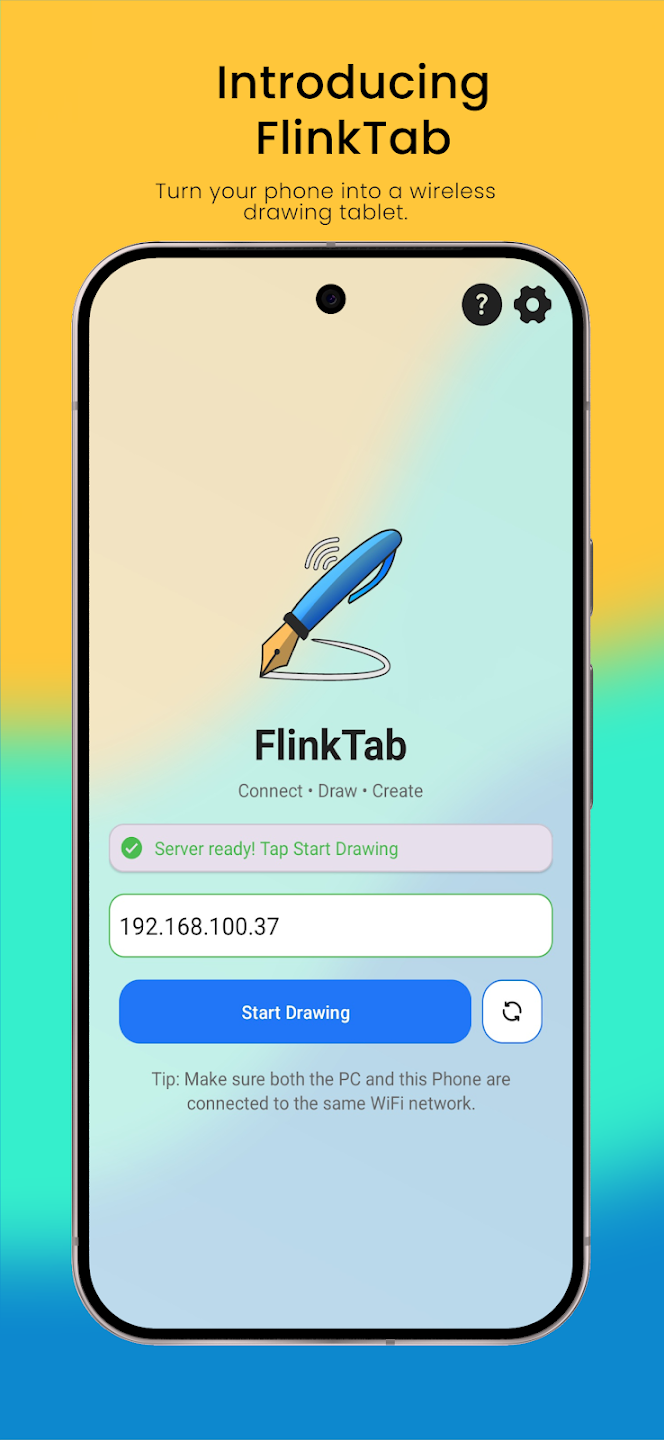
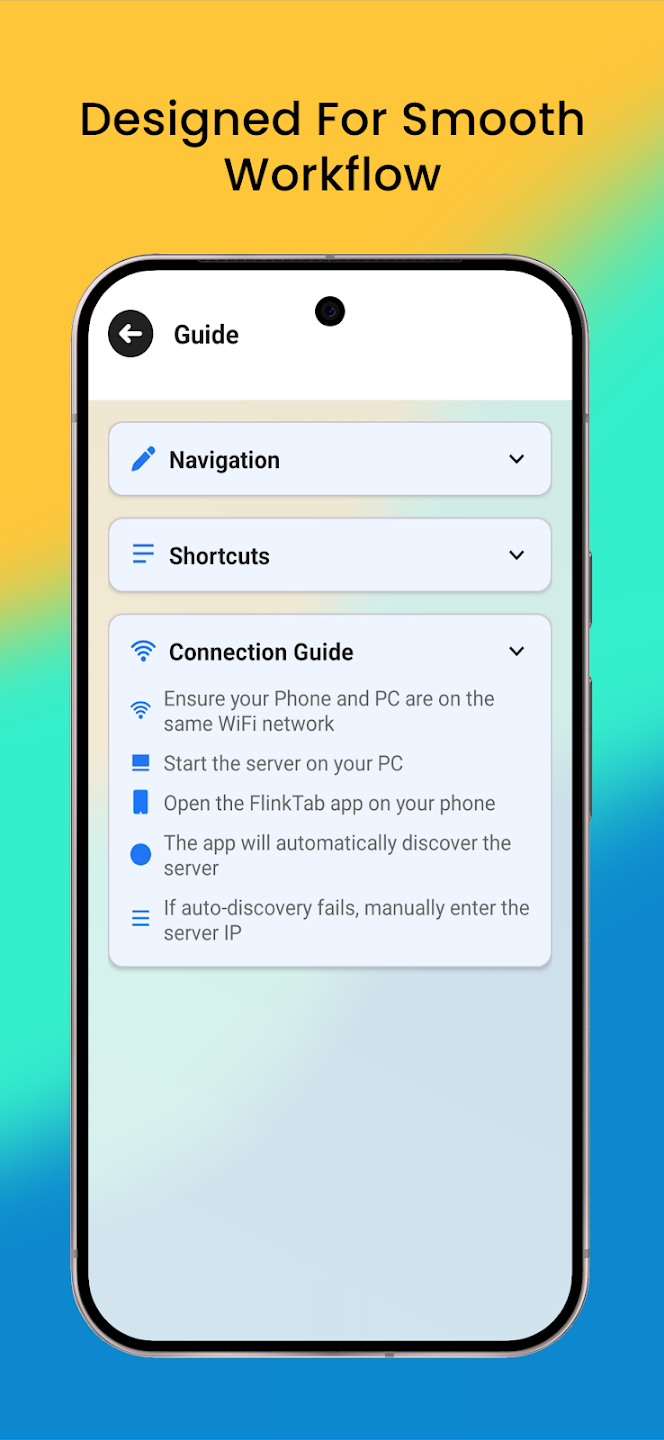
Run the FlinkTab Server on your PC, then pair over Wi-Fi or USB.
Launch
Open the FlinkTab app on your Android phone and pick a mode.
Draw
Open Krita, Photoshop, or your tool of choice and start creating.
A closer look
Built for drawing, nothing else.
Works with the tools you use
FlinkTab behaves like a standard tablet input — so it works in most creative apps on Windows.
App names shown for compatibility reference only. No affiliation implied.
Planned
Coming soon.
Listed as upcoming on the official Play Store description and GitHub roadmap. Not yet available.
-
Planned
Pressure sensitivity
Full native pen pressure on more devices.
-
Planned
Custom gestures
Map shortcuts and modifiers to touch gestures.
-
Planned
macOS & Linux
Extend FlinkTab Server beyond Windows.
-
Planned
Multi-monitor
Choose which display to map your tablet to.
-
Planned
Shortcut panels
On-screen shortcut buttons for quick tool switching.
-
Planned
iOS companion
Bring FlinkTab to iPhone and iPad devices.
FAQ
Common questions.
Does FlinkTab work on Mac or Linux?
Do I need a stylus?
Is there any lag?
Does it collect any data?
Is it free?
Can I use it over the internet?
Ready to draw?
Grab your phone, install FlinkTab, and turn it into a drawing tablet in minutes.